


Package tracking has made online shopping much easier. With a simple tracking number, customers can see where their shipment is and when it is expected to arrive, including estimates like expected delivery by 9pm USPS.
However, many people get confused when the tracking status changes from Delivered to In Transit. At first, the package appears delivered, but later the tracking system shows that it is still moving through the shipping network.
This situation can be worrying because people may think their package was lost, taken back, or delivered incorrectly. In most cases, however, the issue is related to system updates, delayed scans, or logistics errors rather than an actual delivery problem.
In this guide, we will explain why tracking status changes from delivered to in transit, what it means, and what you should do if it happens to your shipment.
How Package Tracking Systems Work
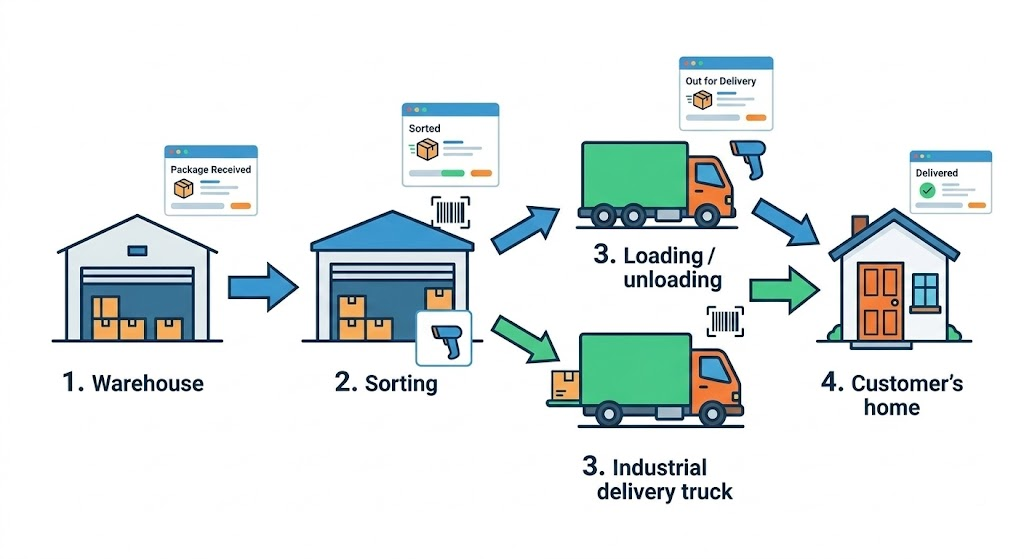
To understand why tracking sometimes moves backward, it helps to understand how shipping tracking systems work.
When a package moves through a shipping network, it is scanned at multiple checkpoints. Each scan updates the shipment status in the carrier’s tracking system.
Major shipping companies such as UPS, FedEx, USPS, DHL, and Amazon Logistics use large logistics networks that include warehouses, sorting facilities, and delivery vehicles.
Each scan records an event such as:
- Package accepted by carrier
- In transit between facilities
- Out for delivery
- Delivered to recipient
These scans are then uploaded to the carrier’s tracking system so customers can monitor the shipment online.
However, because packages move through many facilities and systems, tracking updates are not always synchronized perfectly. This can sometimes cause the tracking status to appear to move backward.
7 Reasons Tracking Status Changes from Delivered to In Transit
1. Delayed Scan Updates
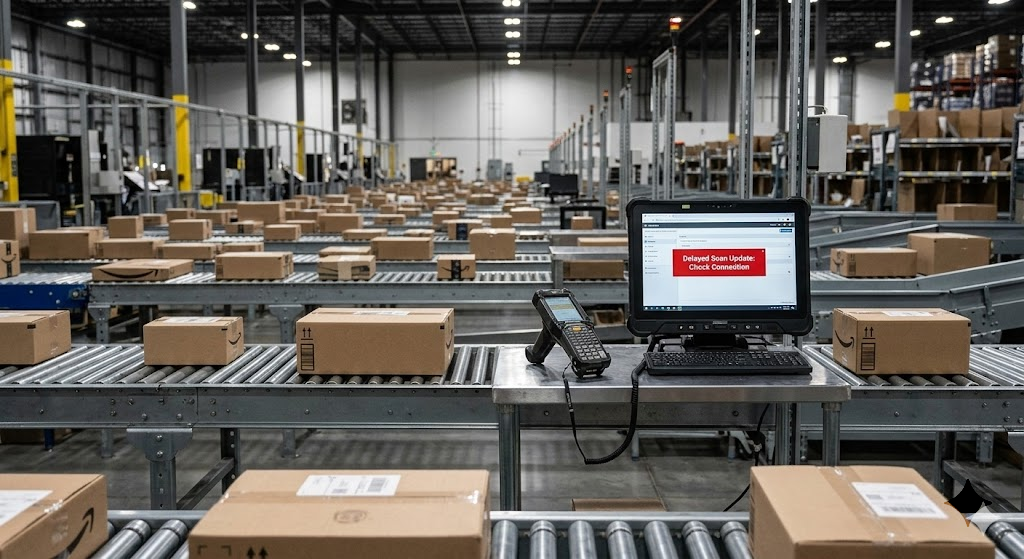
One of the most common reasons tracking moves backward is delayed scan data.
Sometimes a package is scanned earlier in the shipping process, but that scan is uploaded to the system later.
For example:
- The package arrives at a sorting facility
- The scan is stored locally
- The delivery driver later scans the package as delivered
- The earlier facility scan uploads afterward
When this happens, the tracking timeline may temporarily show Delivered → In Transit.
2. Delivery Driver Scanning Error

Human errors can also occur during delivery operations.
A delivery driver might accidentally scan a package as Delivered before it actually reaches the destination.
If the mistake is corrected later, the system may update the tracking status back to In Transit until the package is properly delivered.
This does not mean the package was taken back. It simply means the initial scan was incorrect.
3. System Synchronization Issues
Large shipping companies operate multiple databases and tracking systems across different regions.
Sometimes these systems update at different times, causing temporary inconsistencies in the tracking timeline.
Synchronization delays often occur during:
- High shipping volumes
- Holiday seasons
- System maintenance
Once all systems finish syncing, the tracking history usually corrects itself.
4. Package Misrouting
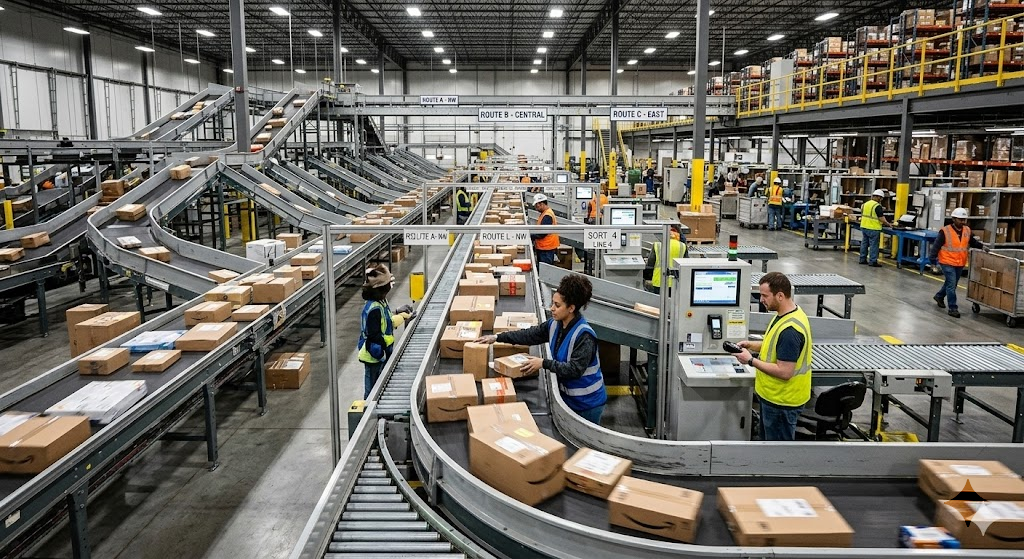
In rare cases, a package may be scanned incorrectly at a facility.
For example, a sorting center worker might accidentally scan a parcel as Delivered instead of recording a facility scan.
When the error is detected, the package continues through the shipping network and the status changes back to In Transit.
5. Carrier System Corrections
Shipping carriers often use automated systems to detect tracking errors.
If the system notices an unusual scan sequence, it may correct the tracking timeline automatically.
Example:
- The delivery scan appears before the “Out for Delivery” scan
- The system assumes the delivery scan was incorrect
- The status is corrected back to In Transit
These corrections help keep shipment records accurate.
6. Returned or Redirected Shipments
Sometimes a package may actually move again after a delivery attempt.
This can happen if:
- The delivery address was incorrect
- The recipient was unavailable
- A signature was required
- The package was refused
In these cases, the tracking status may change from Delivered to In Transit as the shipment returns to a facility.
7. Third-Party Tracking Website Delays
Many people use third-party tracking tools instead of the official carrier website.
These services collect tracking data from multiple sources, which can sometimes cause delays or mismatched updates.
As a result, the tracking status may appear incorrect or reversed.
For the most accurate information, it is always best to check the official carrier tracking page.
Does This Mean Your Package Was Delivered Incorrectly?
Not necessarily.
In most cases, when the tracking status changes from delivered to in transit, it is simply a system update issue rather than an actual delivery problem.
Many customers panic when they see this change, but the majority of shipments still arrive normally.
The best approach is to review the complete tracking timeline instead of focusing only on the most recent update.
What to Do If Tracking Status Moves Backward
If your package tracking suddenly changes from Delivered to In Transit, here are some steps you can take.
1. Wait for the Next Tracking Update
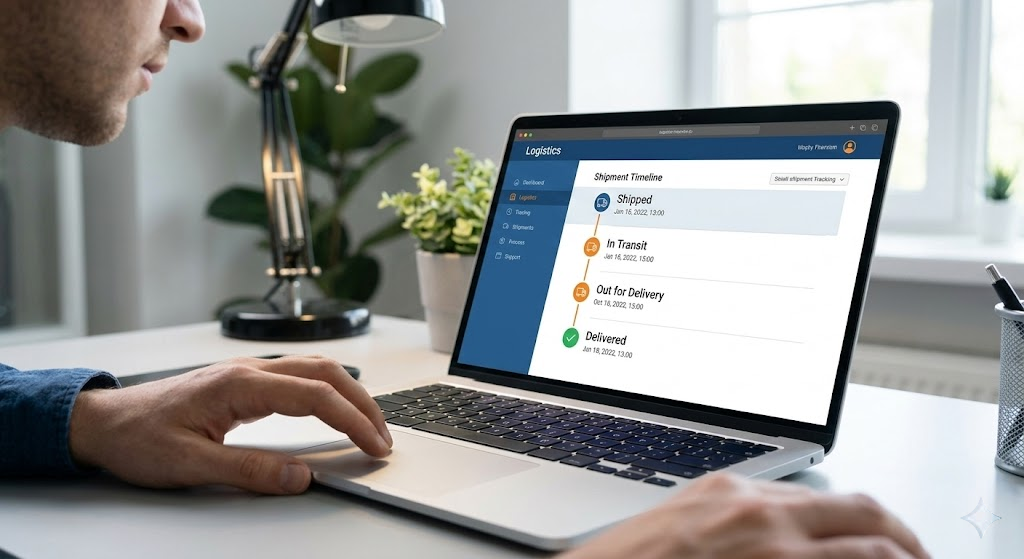
Tracking systems often correct themselves within a few hours.
Because many scan updates are uploaded in batches, waiting 12–24 hours often resolves the issue automatically.
2. Check the Official Carrier Website
Always verify the tracking information on the carrier’s official website.
Official tracking systems typically provide more accurate and detailed shipment updates than third-party tools.
3. Check the Delivery Location
If tracking initially showed Delivered, check nearby locations before assuming the package is missing.
Look in places such as:
- Front porch
- Mailbox
- Reception desk
- Neighbor’s house
- Building office
Sometimes the package has already been delivered even though the tracking status changes later.
4. Contact the Shipping Carrier
If the tracking status remains confusing for several days, contact the shipping carrier.
Customer support can access internal tracking systems to confirm the exact location of your package.
Provide:
- Tracking number
- Delivery address
- Order information
This helps the carrier investigate the issue faster.
5. Contact the Seller or Retailer
If the shipment is part of an online order, you can also contact the retailer or marketplace where you purchased the item.
Retailers often communicate directly with shipping companies and may request an investigation.
When Tracking Changes May Indicate a Real Problem
Although tracking errors are common, there are situations where the status change might indicate a real issue.
You should investigate further if:
- The package shows Delivered but cannot be found anywhere
- The tracking status keeps changing repeatedly
- There are no updates for several days
- The shipment suddenly moves to a different city
In these cases, contacting the carrier or seller is recommended.
How Often Does This Problem Occur?
Tracking inconsistencies like this are relatively rare but still possible.
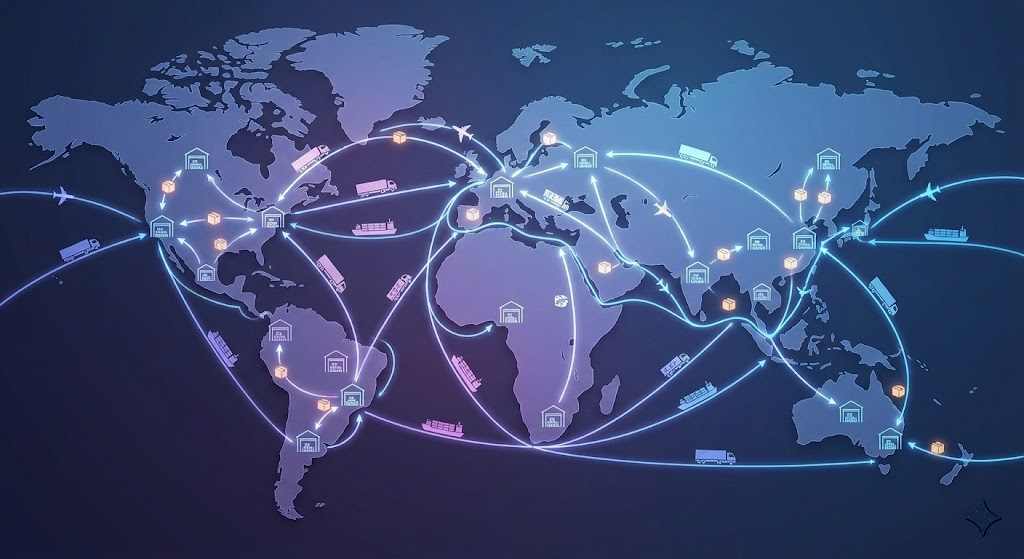
Every day, millions of packages move through global logistics networks. Even with advanced scanning technology, occasional delays or errors can occur.
Most of these tracking issues resolve themselves once the system updates the shipment timeline.
Tips to Avoid Package Tracking Confusion
Although you cannot control shipping systems, these simple tips can help avoid confusion.
Use the Official Carrier Tracking Tool
Official tracking systems update faster and provide the most accurate information.
Enable Delivery Notifications
Many carriers offer email or SMS alerts for shipment updates.
Save Your Tracking Number
Keeping the tracking number makes it easier to monitor your shipment.
Monitor Tracking Progress
Checking tracking periodically helps you notice unusual changes early.
Final Thoughts
Seeing a tracking status change from Delivered to In Transit can be confusing, especially when you are waiting for an important package.
In most cases, this situation is caused by delayed scans, system synchronization issues, or temporary tracking errors.
Shipping companies handle millions of deliveries every day, so small tracking inconsistencies sometimes occur. Fortunately, these issues usually resolve once the system finishes updating the shipment history.
If the tracking status moves backward, the best approach is to wait for the next update, check the official carrier website, and contact customer support if the issue continues.
Understanding how tracking systems work can help reduce unnecessary stress and make package tracking much easier.